
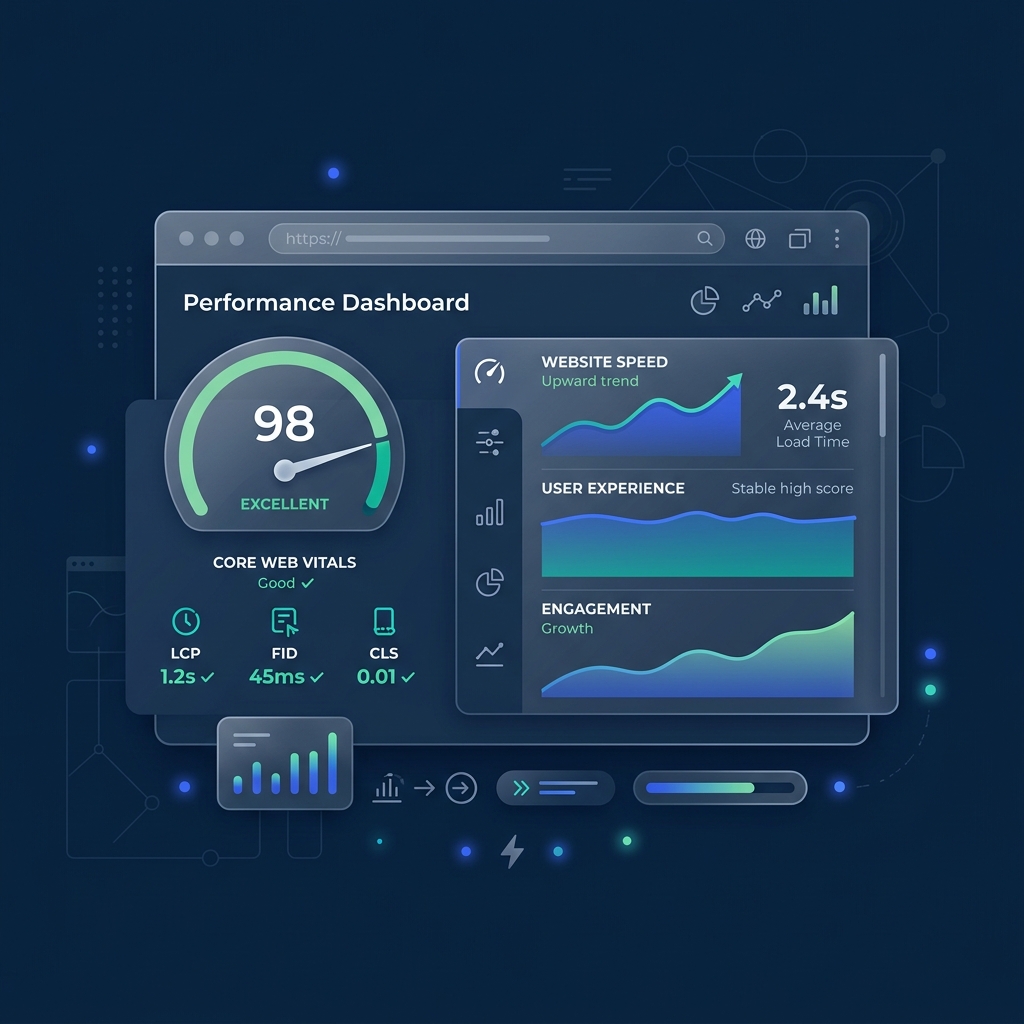
What Are Core Web Vitals?
Core Web Vitals (CWV) are a set of specific real-world performance metrics that Google uses to evaluate a web page's overall user experience. Rather than looking only at laboratory page load milestones, Google analyzes how users actually experience your site on their mobile devices and desktop computers.
The three main Core Web Vitals:
- LCP (Largest Contentful Paint): Measures loading speed. Specifically, it marks the point in the page load timeline when the main content (such as a hero image or heading text) has likely loaded.
- FID / INP (First Input Delay / Interaction to Next Paint): Measures responsiveness and interactivity. It captures how quickly a web page reacts to user inputs like clicks, taps, or key presses.
- CLS (Cumulative Layout Shift): Measures visual stability. It calculates the frequency and severity of unexpected layout shifts caused by delayed loading elements (like images or ads without dimensions).
Why Do CWV Matter for SEO?
In mid-2021, Google officially incorporated Core Web Vitals into its search algorithm as a core ranking signal under the Page Experience update. A slow website no longer just frustrates users; it directly degrades your Google rankings, reducing organic search engine visibility and click-through rates.
Beyond search rankings, fast websites dramatically lower bounce rates and improve overall traffic retention. When a page loads instantly, users remain engaged and are far more likely to navigate to secondary content rather than bouncing back to search results.
How CWV Affects Conversions
Site speed is a direct driver of business revenue. Modern conversion optimization studies show a direct causal link between performance milestones and checkout values:
- A 1-second delay in page load time can lead to a 32% increase in mobile bounce rates.
- Cart abandonment surges to over 90% if a page takes longer than 3 seconds to become interactive.
- Conversely, fast-loading optimized websites achieve 2x to 3x higher checkout conversion rates compared to slow competitor platforms.
Common Reasons Websites Fail CWV
Many modern websites suffer from performance bloat. The most common factors that degrade Lighthouse and Core Web Vitals scores include:
- Excessive Third-Party JavaScript: Social widgets, tag managers, chat widgets, and unoptimized analytics containers blocking the browser thread.
- Heavy Page Builders: CMS platforms loaded with visual editors that inject bloated HTML structures and unused styling files.
- Unoptimized Image Payloads: Serving massive desktop-sized JPEG images to mobile viewports without responsive dimensions or modern formats.
- Render-Blocking Resources: CSS and JS files loaded synchronously in the document header, halting page rendering.
How to Improve Core Web Vitals
1. Optimize Largest Contentful Paint (LCP)
- Compress all hero assets and background images.
- Use next-gen image formats like WEBP or AVIF to reduce file sizes by up to 50%.
- Extract and inline critical-path CSS, deferring the loading of non-critical layout sheets.
- Set up link preloading (`rel="preload"`) for key hero images.
2. Improve Interactivity (FID/INP)
- Prune unused JavaScript bundles and split large scripts into smaller, lazy-loaded modules.
- Defer non-essential scripts using `async` or `defer` attributes.
- Move heavy data computations to background Web Workers to free up the browser's main thread.
- Set up edge-server responses using caching to reduce Server Response Time (TTFB).
3. Stabilize Cumulative Layout Shift (CLS)
- Always specify exact height and width attributes for all images, videos, and iframe containers.
- Reserve container spaces for dynamically injected ads, alerts, or banners to prevent page jumps.
- Utilize `font-display: swap` to prevent Flash of Invisible Text (FOIT) on custom web fonts.
CWV Tools You Must Use
To accurately diagnose performance bottlenecks, engineers rely on a suite of free diagnostic tools:
- PageSpeed Insights: Compiles both field data (real-world CrUX reports) and lab data (Lighthouse audits).
- Chrome DevTools: Includes the Performance panel to record and profile interaction delay.
- Lighthouse: Runs automated lab testing for accessibility, SEO, performance, and best practices.
- Cloudflare Performance Dashboard: Monitors traffic speed, TTFB reductions, and cache hit ratios.
Conclusion
Core Web Vitals are no longer an optional optimization project — they are a critical element of modern SEO strategy and online customer conversion. Investing in front-end performance tuning and backend scalability ensures long-term organic search success, a premium brand experience, and increased business conversion rates.